# 媒体主题

## 使用方法

`MediaTheme` 是反色表面上的提供者，用在图片叠字、遮罩、toast 和 tooltip 上。它设置 `data-astryx-media`，让文字、图标和按钮改用深底或浅底上的颜色。它自己不铺背景，背景写在父元素上。

`mode` 必填：`dark`、`light`、`auto` 或 `off`。`auto` 测量父元素实际画出来的颜色（半透明的几层会叠在一起算），再看主题自己的 `--color-on-dark` 和 `--color-on-light` 哪个在上面更清楚，就选哪一边；周围文字对比已经达到 3:1 时选 `off`。背景图片没法从 CSS 量出来。表面颜色变了会重新测量。`fallback` 是还没量到、或量不到时用的一边，默认 `dark`。`off` 仍渲染这个元素，只是去掉媒体属性，子节点不会被拆掉重建。

`useMediaTheme()` 返回解析后的模式。两者都从 `@astryx-vue/core/Theme` 引入。

```vue
<script setup lang="ts">
import { MediaTheme } from '@astryx-vue/core/Theme'
</script>

<template>
  <div style="background: var(--astryx-color-background-inverted, #171717)">
    <MediaTheme mode="auto">
      <p>Readable on this surface</p>
    </MediaTheme>
  </div>
</template>
```

主题可以用 `defineTheme()` 的 `onDark` 和 `onLight` 给这些表面加 token。

## 最佳实践

| 指引 | 实践 |
| --- | --- |
| 推荐 | 用在深色图片、遮罩，或其他需要反色的表面上。 |
| 推荐 | 表面颜色来自主题 token 时，优先用 <code>mode="auto"</code>。 |
| 推荐 | 背景写在父元素上。MediaTheme 只翻转 token。 |
| 避免 | 用它做整页深色模式。整页用 <code>Theme</code> 的 <code>mode="dark"</code> 或 <code>mode="system"</code>。 |

## 示例

### MediaTheme — Image Overlay

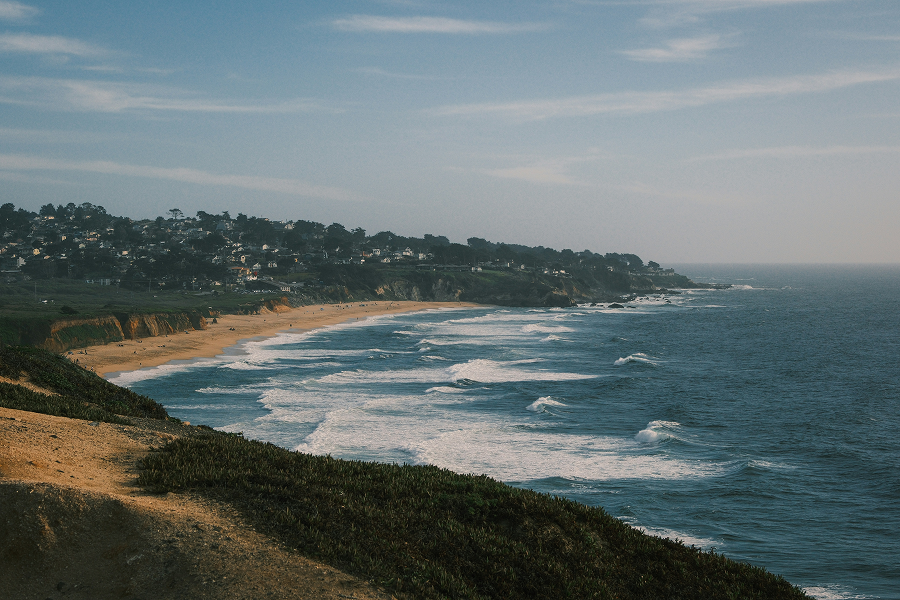
常见的图片卡片：文字和操作放在深色渐变上，并用 MediaTheme mode="dark" 包住。

```vue
<script setup lang="ts">
import type { CSSProperties } from 'vue'
import { AspectRatio } from '@astryx-vue/core/AspectRatio'
import { Button } from '@astryx-vue/core/Button'
import { Stack } from '@astryx-vue/core/Stack'
import { Text } from '@astryx-vue/core/Text'
import { MediaTheme } from '@astryx-vue/core/Theme'

const frame: CSSProperties = {
  width: '360px',
  maxWidth: '100%',
  borderRadius: 'var(--astryx-radius-container, 0.75rem)',
}

const scrim: CSSProperties = {
  position: 'absolute',
  insetInline: 0,
  insetBlockEnd: 0,
  padding: '16px',
  background: 'linear-gradient(180deg, transparent, rgba(10,19,23,0.78))',
}
</script>

<template>
  <AspectRatio :ratio="16 / 9" :style="frame">
    <img
      alt="Landscape"
      src="/template-assets/light-scene-horizontal-1.png"
      style="width: 100%; height: 100%; object-fit: cover"
    >
    <div :style="scrim">
      <MediaTheme mode="dark">
        <Stack direction="vertical" :gap="2">
          <Text type="body" weight="bold">
            Product launch livestream
          </Text>
          <Text type="supporting" color="secondary">
            MediaTheme keeps overlay text and controls readable without hard-coded color overrides.
          </Text>
          <Stack direction="horizontal" :gap="2" wrap="wrap">
            <Button label="Watch" variant="primary" size="sm" />
            <Button label="Details" variant="secondary" size="sm" />
          </Stack>
        </Stack>
      </MediaTheme>
    </div>
  </AspectRatio>
</template>
```

### MediaTheme — Light Scrim

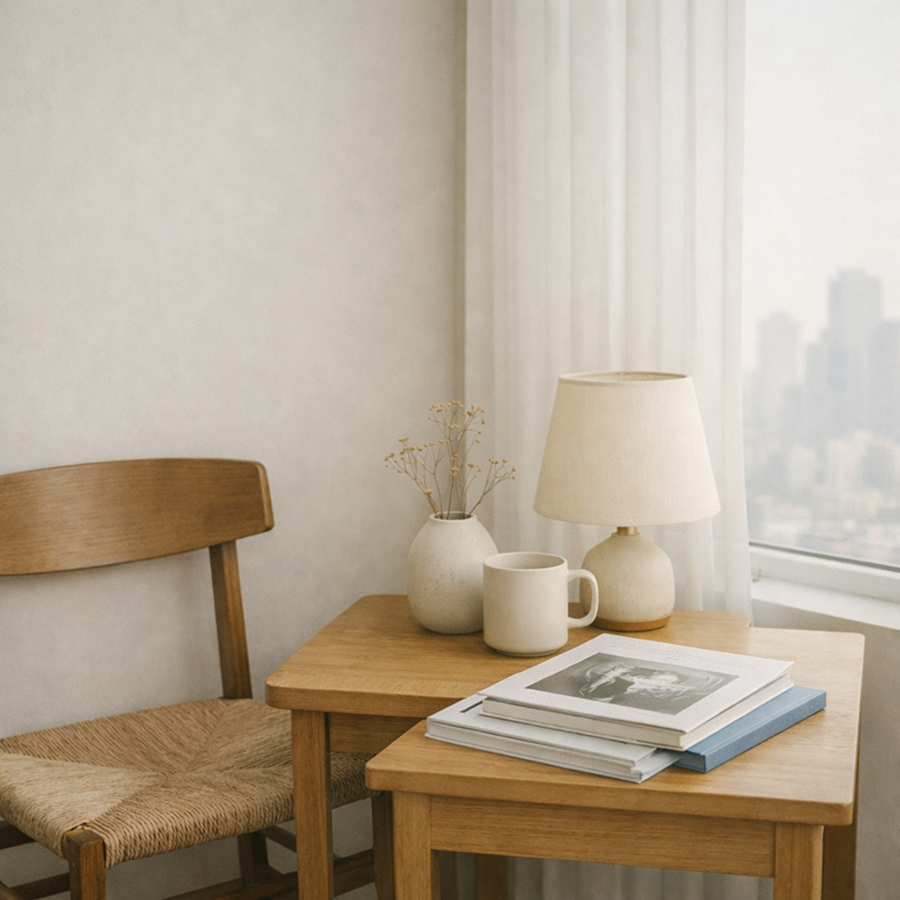
图片上的浅色遮罩。用 MediaTheme mode="light"，文字和 ghost 按钮走浅底上的深色。

```vue
<script setup lang="ts">
import type { CSSProperties } from 'vue'
import { AspectRatio } from '@astryx-vue/core/AspectRatio'
import { Button } from '@astryx-vue/core/Button'
import { Stack } from '@astryx-vue/core/Stack'
import { Text } from '@astryx-vue/core/Text'
import { MediaTheme } from '@astryx-vue/core/Theme'

const frame: CSSProperties = {
  width: '360px',
  maxWidth: '100%',
  borderRadius: 'var(--astryx-radius-container, 0.75rem)',
}

const scrim: CSSProperties = {
  position: 'absolute',
  insetBlockStart: '16px',
  insetInlineStart: '16px',
  maxWidth: '250px',
  padding: '16px',
  background: 'rgba(255,255,255,0.82)',
  borderRadius: 'var(--astryx-radius-container, 0.75rem)',
  boxShadow: 'var(--astryx-shadow-med, 0 8px 24px rgb(0 0 0 / 12%))',
}
</script>

<template>
  <AspectRatio :ratio="16 / 9" :style="frame">
    <img
      alt="Bright room"
      src="/template-assets/light-home-square-1.png"
      style="width: 100%; height: 100%; object-fit: cover"
    >
    <div :style="scrim">
      <MediaTheme mode="light">
        <Stack direction="vertical" :gap="2">
          <Text type="body" weight="bold">
            Bright media surface
          </Text>
          <Text type="supporting" color="secondary">
            Use mode="light" when content sits on a light card or scrim.
          </Text>
          <Button label="Open" variant="ghost" size="sm" />
        </Stack>
      </MediaTheme>
    </div>
  </AspectRatio>
</template>
```

## 属性

| 属性 | 类型 | 默认值 | 说明 |
| --- | --- | --- | --- |
| `mode` | `'dark' \| 'light' \| 'auto' \| 'off'` | — | 表面明暗。`auto` 测量父元素。`off` 保持周围的主题。 |
| `fallback` | `'dark' \| 'light'` | `'dark'` | `auto` 在量到之前、以及量不到时使用的一边。其他模式忽略。 |

## 插槽

| 名称 | 说明 |
| --- | --- |
| `default` | 按表面颜色渲染的内容。 |

## useMediaTheme

| 字段 | 说明 |
| --- | --- |
| <code>mode</code> | 解析后的 <code>dark</code>、<code>light</code> 或 <code>off</code>。不在 MediaTheme 里时是 <code>off</code>。 |

## 模板引用

组件暴露 `element`，类型是 `HTMLElement | null`。

## 原生属性

根节点是 `display: contents` 的 `div`。`class` 和 `style` 会写到它上面。其他属性不转发。