# Media Theme

## Usage

`MediaTheme` is the provider for content on an inverted surface: an image overlay, a scrim, a toast, or a tooltip. It sets `data-astryx-media` so text, icons, and buttons use the on-dark or on-light colors. It does not paint a background. Put the surface color on the parent.

`mode` is required: `dark`, `light`, `auto`, or `off`. `auto` measures the color the parent actually paints, translucent layers included, and picks the side whose text color, the theme's `--color-on-dark` or `--color-on-light`, reads better on it. It picks `off` when the surrounding text already clears 3:1. A background image cannot be measured from CSS. The measurement runs again when the surface changes. `fallback` is the side used before that measurement, and when the surface cannot be measured. The default is `dark`. `off` keeps the element and drops the media attribute, so children are not remounted.

`useMediaTheme()` returns that resolved mode. Import both from `@astryx-vue/core/Theme`.

```vue
<script setup lang="ts">
import { MediaTheme } from '@astryx-vue/core/Theme'
</script>

<template>
  <div style="background: var(--astryx-color-background-inverted, #171717)">
    <MediaTheme mode="auto">
      <p>Readable on this surface</p>
    </MediaTheme>
  </div>
</template>
```

A theme can add tokens for these surfaces with `onDark` and `onLight` on `defineTheme()`.

## Best practices

| Guidance | Practices |
| --- | --- |
| Do | Use it for content over a dark image, a scrim, or another inverted surface. |
| Do | Prefer <code>mode="auto"</code> when the surface color comes from a theme token. |
| Do | Set the background on the parent. MediaTheme only flips the token context. |
| Don't | Use it for page-wide dark mode. Use <code>Theme</code> with <code>mode="dark"</code> or <code>mode="system"</code>. |

## Examples

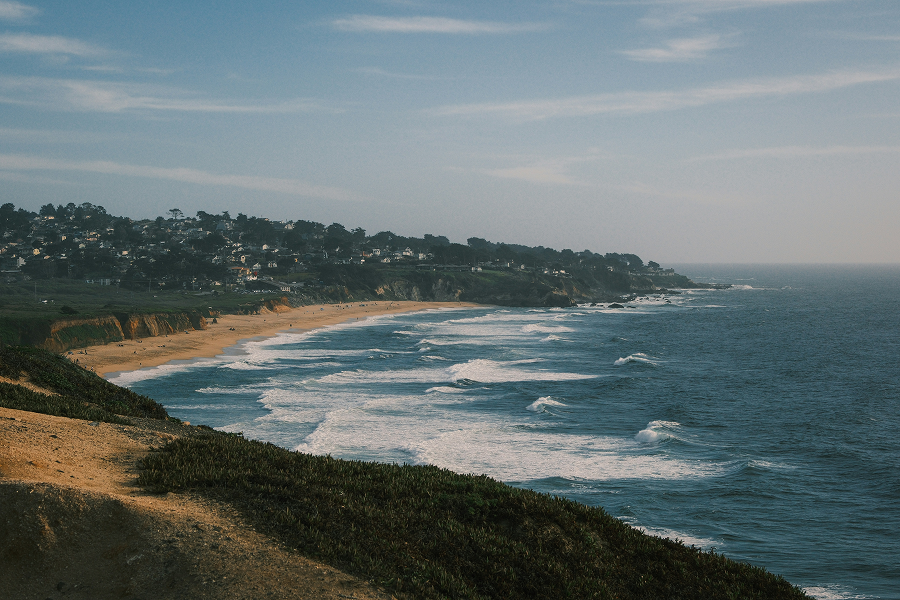
### MediaTheme — Image Overlay

A common image card pattern: place text and actions over a dark gradient and wrap the overlay content in MediaTheme mode="dark".

```vue
<script setup lang="ts">
import type { CSSProperties } from 'vue'
import { AspectRatio } from '@astryx-vue/core/AspectRatio'
import { Button } from '@astryx-vue/core/Button'
import { Stack } from '@astryx-vue/core/Stack'
import { Text } from '@astryx-vue/core/Text'
import { MediaTheme } from '@astryx-vue/core/Theme'

const frame: CSSProperties = {
  width: '360px',
  maxWidth: '100%',
  borderRadius: 'var(--astryx-radius-container, 0.75rem)',
}

const scrim: CSSProperties = {
  position: 'absolute',
  insetInline: 0,
  insetBlockEnd: 0,
  padding: '16px',
  background: 'linear-gradient(180deg, transparent, rgba(10,19,23,0.78))',
}
</script>

<template>
  <AspectRatio :ratio="16 / 9" :style="frame">
    <img
      alt="Landscape"
      src="/template-assets/light-scene-horizontal-1.png"
      style="width: 100%; height: 100%; object-fit: cover"
    >
    <div :style="scrim">
      <MediaTheme mode="dark">
        <Stack direction="vertical" :gap="2">
          <Text type="body" weight="bold">
            Product launch livestream
          </Text>
          <Text type="supporting" color="secondary">
            MediaTheme keeps overlay text and controls readable without hard-coded color overrides.
          </Text>
          <Stack direction="horizontal" :gap="2" wrap="wrap">
            <Button label="Watch" variant="primary" size="sm" />
            <Button label="Details" variant="secondary" size="sm" />
          </Stack>
        </Stack>
      </MediaTheme>
    </div>
  </AspectRatio>
</template>
```

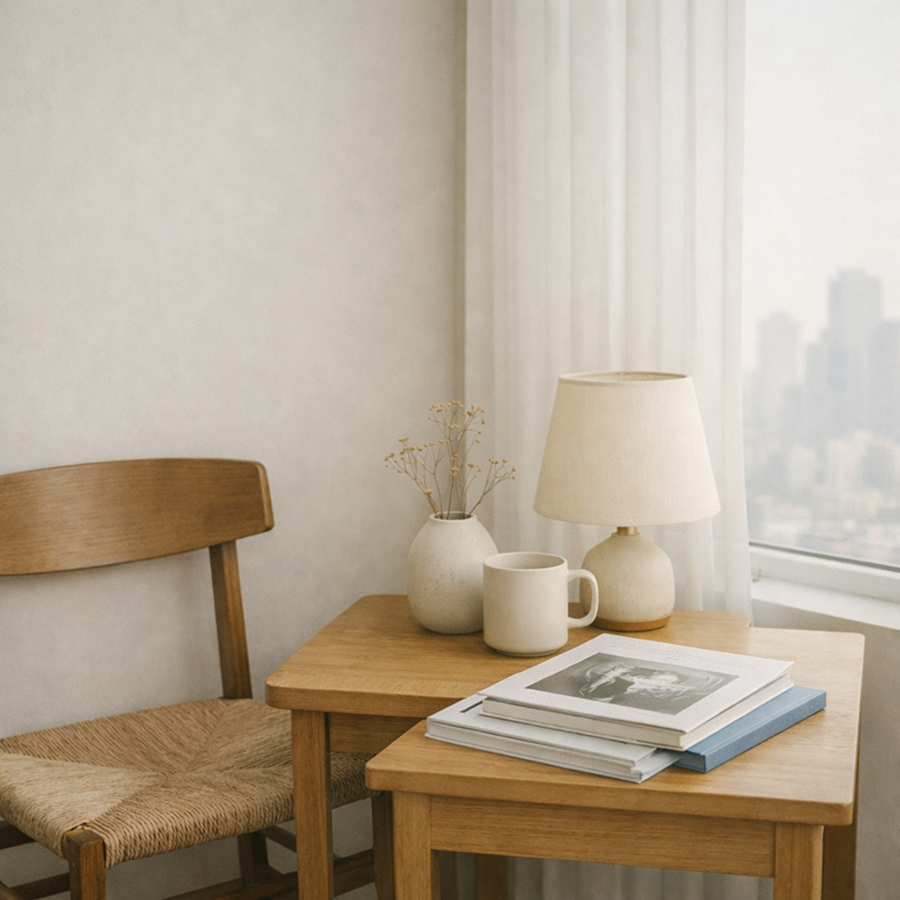
### MediaTheme — Light Scrim

A light scrim over an image. Use MediaTheme mode="light" so text and ghost buttons use dark-on-light tokens.

```vue
<script setup lang="ts">
import type { CSSProperties } from 'vue'
import { AspectRatio } from '@astryx-vue/core/AspectRatio'
import { Button } from '@astryx-vue/core/Button'
import { Stack } from '@astryx-vue/core/Stack'
import { Text } from '@astryx-vue/core/Text'
import { MediaTheme } from '@astryx-vue/core/Theme'

const frame: CSSProperties = {
  width: '360px',
  maxWidth: '100%',
  borderRadius: 'var(--astryx-radius-container, 0.75rem)',
}

const scrim: CSSProperties = {
  position: 'absolute',
  insetBlockStart: '16px',
  insetInlineStart: '16px',
  maxWidth: '250px',
  padding: '16px',
  background: 'rgba(255,255,255,0.82)',
  borderRadius: 'var(--astryx-radius-container, 0.75rem)',
  boxShadow: 'var(--astryx-shadow-med, 0 8px 24px rgb(0 0 0 / 12%))',
}
</script>

<template>
  <AspectRatio :ratio="16 / 9" :style="frame">
    <img
      alt="Bright room"
      src="/template-assets/light-home-square-1.png"
      style="width: 100%; height: 100%; object-fit: cover"
    >
    <div :style="scrim">
      <MediaTheme mode="light">
        <Stack direction="vertical" :gap="2">
          <Text type="body" weight="bold">
            Bright media surface
          </Text>
          <Text type="supporting" color="secondary">
            Use mode="light" when content sits on a light card or scrim.
          </Text>
          <Button label="Open" variant="ghost" size="sm" />
        </Stack>
      </MediaTheme>
    </div>
  </AspectRatio>
</template>
```

## Props

| Name | Type | Default | Description |
| --- | --- | --- | --- |
| `mode` | `'dark' \| 'light' \| 'auto' \| 'off'` | — | Surface luminance. `auto` measures the parent. `off` keeps the surrounding theme. |
| `fallback` | `'dark' \| 'light'` | `'dark'` | Side `auto` uses before the surface can be measured, and when it cannot. Ignored for the other modes. |

## Slots

| Name | Description |
| --- | --- |
| `default` | Content rendered with the surface colors. |

## useMediaTheme

| Field | Description |
| --- | --- |
| <code>mode</code> | Resolved <code>dark</code>, <code>light</code>, or <code>off</code>. Outside a MediaTheme, the mode is <code>off</code>. |

## Template ref

The component exposes `element` with type `HTMLElement | null`.

## Native attributes

The root is a `div` with `display: contents`. `class` and `style` are applied to it. Other attributes are not forwarded.
