
宽高比
@astryxdesign/core v0.7.1 · AspectRatio
使用方法
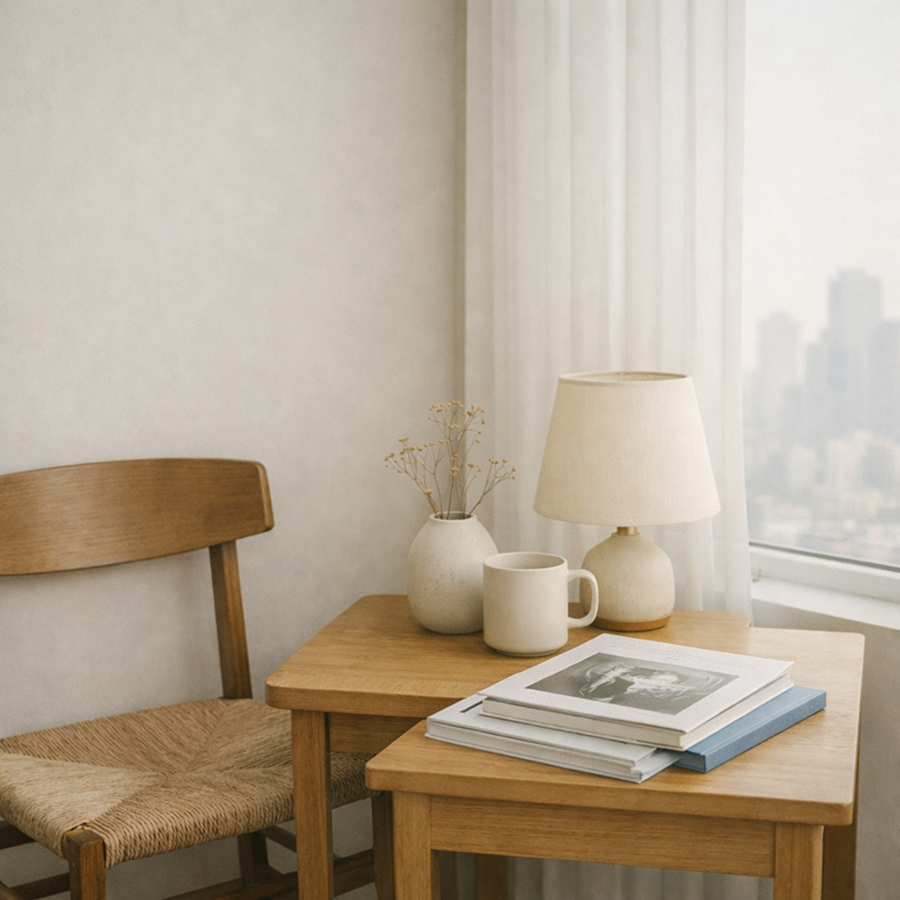
AspectRatio 在容器变宽变窄时保持固定的宽高比,用来放图片、视频和缩略图。宽度来自父级,高度由 ratio 算出,所以祖先需要有明确的宽度。
vue
<script setup lang="ts">
import { AspectRatio } from '@astryx-vue/core/AspectRatio'
</script>

<template>
  <AspectRatio :ratio="16 / 9" fit="cover">
    <img alt="风景" src="/photo.jpg">
  </AspectRatio>
</template>
ratio 是宽除以高,写成 16 / 9,不要写成四舍五入后的小数。shape 取 rectangle 或 ellipse;ratio 为 1 的椭圆是正圆。fit 决定子元素怎么填进框里:cover 裁切,contain 留边,center 保持原始尺寸。子元素自己负责尺寸时不要传 fit。
比例写在 CSS 变量 --astryx-aspect-ratio 上,不写成行内的 aspect-ratio,样式表可以覆盖它。
解剖
| 部分 | 说明 |
|---|---|
| 比例盒 | 保持宽高比并裁掉溢出的外层。带有 astryx-aspect-ratio 主题目标;shape 为 ellipse 时裁成椭圆。 |
| 内容插槽 | 铺满比例盒并摆放里面内容的一层。设了 fit 时,里面内容的尺寸也由它定;没设时,里面的内容自己决定尺寸。 |
最佳实践
| 指引 | 实践 |
|---|---|
| 推荐 | 传了 fit 时只放一个子元素。每个直接子元素都会被拉伸,叠层内容放进这个子元素里面。 |
| 推荐 | 图片要写 alt。装饰性图片写 alt=""。比例框自己不提供无障碍名称。 |
| 避免 | 拿它当普通布局容器。页面区域用 Section、Card 或 Layout。 |
| 避免 | 只设高度。宽度来自容器,单独设高度会把比例框压变形。 |
示例
正圆
shape 为 ellipse、比例为 1 时,图片被裁成正圆。
图片墙
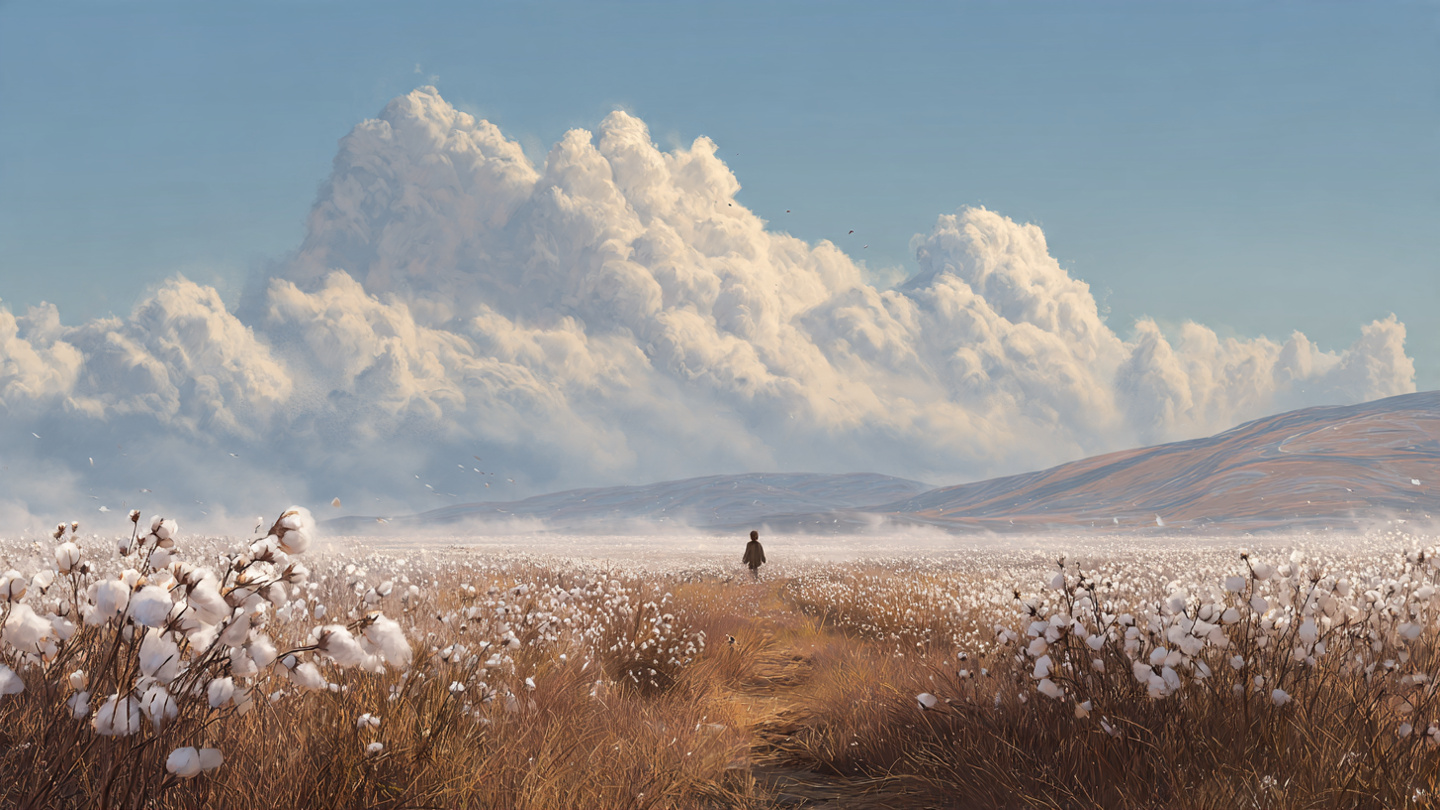
一组图片共用 4:3 的画幅。
正方形
1:1 的方图,适合头像或方幅照片。
宽屏
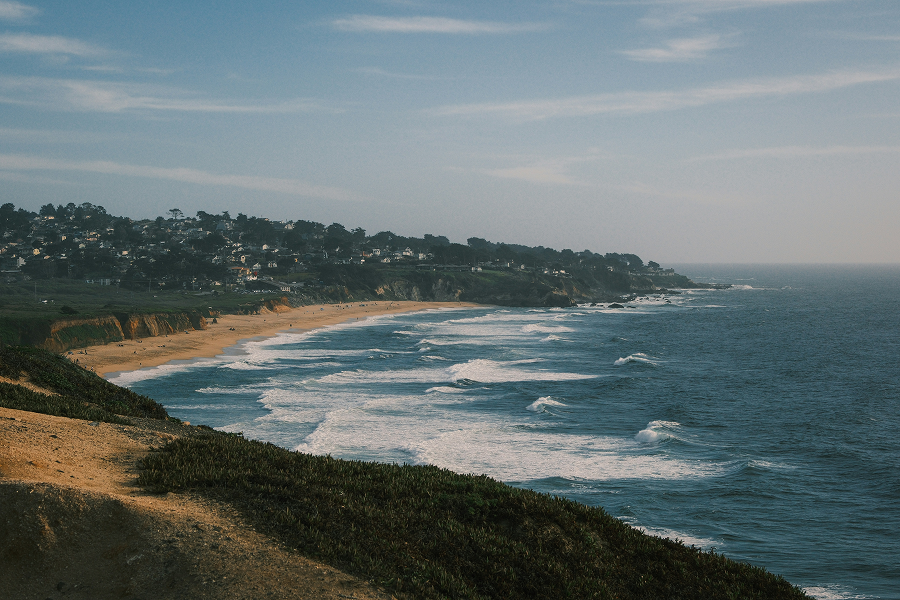
16:9 的宽幅画面包住一张图片。
加载骨架
图片还在加载时,画幅里放一块骨架屏。